v1.9.7 Released: Video, Hugging Face Model Browser & Watch Together Improvements

Hi everyone,
v1.9.7 has been released, bringing additional improvements to CielChan's underlying AI systems, offline speech recognition, new LFM3-Omni support, direct Hugging Face model downloads, improvements to Watch Together, and a number of fixes.
PLEASE NOTE
Due to itch.io's download size restrictions, the Chatterbox TTS voice model and its associated files have been moved to a separate optional download.
Chatterbox is the high-quality expressive voice option and is also the most performance-demanding. It is not the default voice model used by most users.
All other voice options remain included in the main build and are unaffected.
AI and Performance Improvements
Further refinements have been made to CielChan's AI systems, including improved handling of interrupted responses, background activities, memory and context management, and Goals. These changes should help improve responsiveness and overall reliability during conversations and longer tasks, alongside additional improvements to the underlying harness.
Improved Offline Speech Recognition
Offline speech recognition has been updated for English, Spanish, French, Italian, Portuguese, Russian, Dutch, German and Ukrainian.
The existing Whisper system remains available for other languages and as a fallback.
Additional improvements include:
- Improved recognition of short replies and more accurate detection of when you've finished speaking.
- New environmental sound awareness, allowing CielChan to recognize certain non-speech sounds through your microphone.
- More accurate System Audio transcription for Russian, Ukrainian, Turkish and Hindi. These languages now use a larger Whisper model by default when System Audio or Watch Together is enabled, unless you've manually changed the High Quality STT setting.
- Fixed an issue where some speech, particularly Hindi, could be dropped during transcription.
Chatterbox Voice Improvements
Chatterbox has received several updates, including newer multilingual voice models and an optimized English voice system.
Additional improvements have been made to voice compatibility and performance. Issues affecting RVC and certain Chinese voice responses have also been addressed.
New LFM3-Omni Model and Video Support
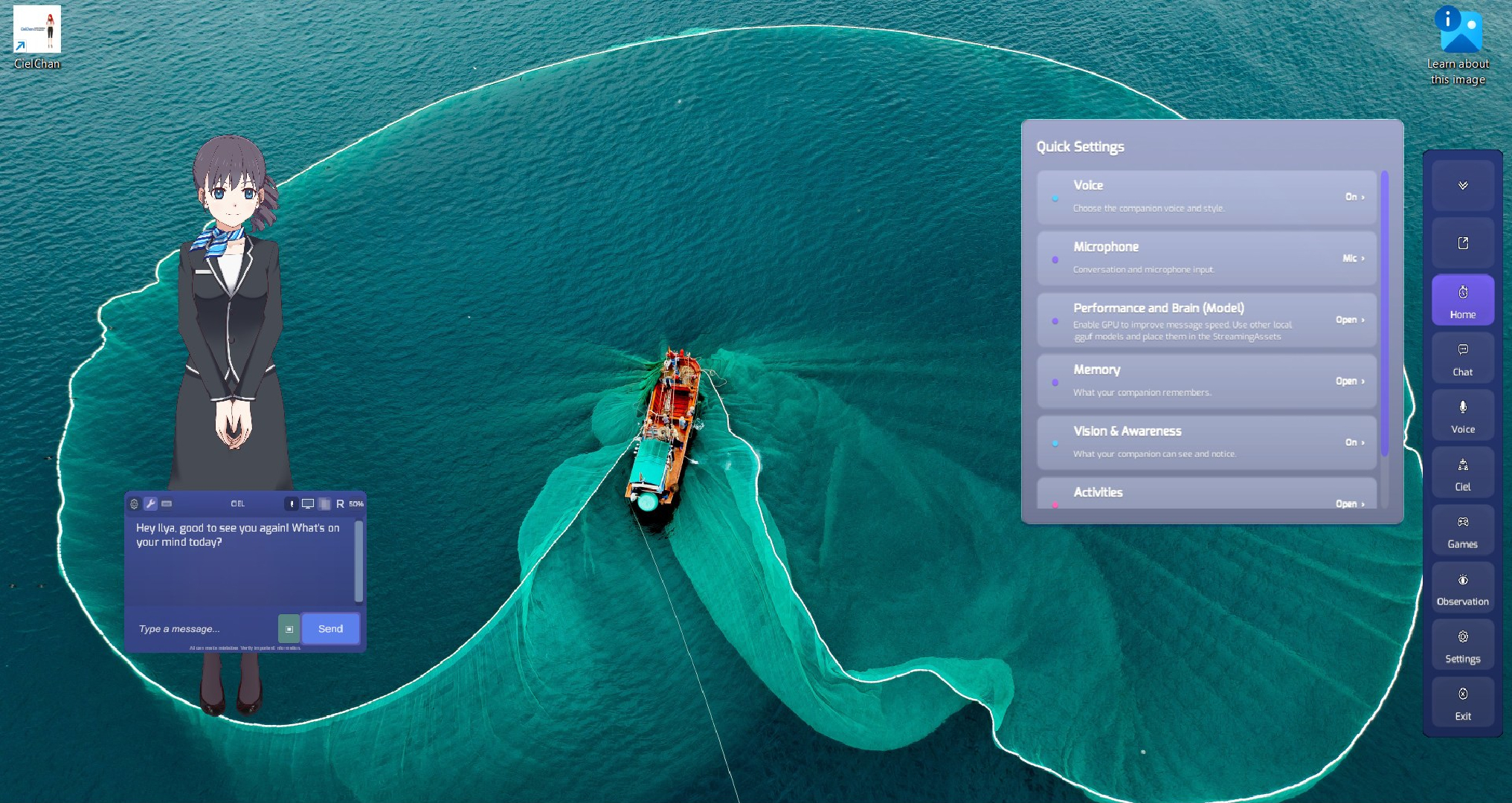
CielChan now includes optional support for LFM3-Omni-2B, a local multimodal AI model capable of working with text, images and video. The Omni model is included and can be found in the model selection dropdown within the AI & Performance tab in the Settings Menu.
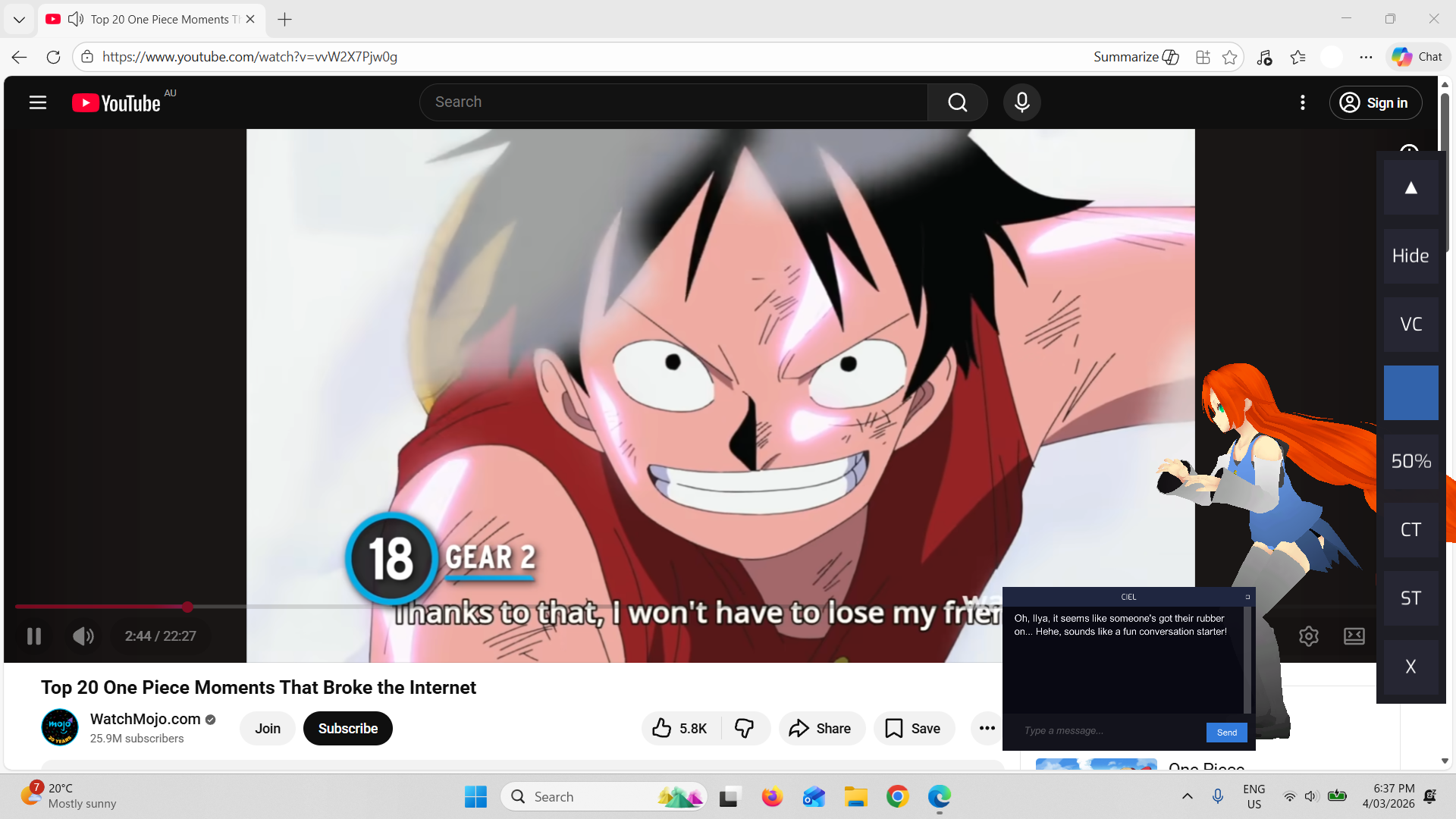
When using LFM3-Omni with Vision enabled in supported languages, you can now submit videos up to five minutes long for CielChan to analyze. Select the attach image/media button and load your video for CielChan to provide an analysis.
In supported languages, Omni can bring together conversation, visual context and audio awareness, including during Watch Together sessions.
Language support varies depending on the feature:
- English (US/UK), Spanish, French, Italian, Japanese, Portuguese, Chinese and German: Broad Omni support across conversations, visual understanding and Watch Together.
- Hindi and Russian: Conversation and image understanding are supported, while existing voice options remain in use.
- Dutch and Turkish: Limited Omni audio support, with conversations continuing through the existing configured model.
- Ukrainian: Omni is not currently supported. Existing models and voice options continue to work as normal.
Unsupported Omni options are automatically hidden for the selected language. When switching languages, CielChan will fall back to the existing compatible setup where necessary, while remembering your Omni preferences. Omni model is not recommended as the main driver for Watch Together Free Mode, but works well in the other Watch Together modes.
LFM3-Omni is optional. Existing local models, cloud providers and voice systems remain available.
New Hugging Face Model Browser and Downloader
You can now browse and download compatible GGUF models directly through CielChan, without needing to manually locate and download model files through your web browser.
Open Settings > AI & Performance to access the new model browser.
You can:
- Search for GGUF models available on Hugging Face.
- Browse available model files and download your preferred version.
- Select downloaded models for use within CielChan.
An internet connection is required to browse and download models, but compatible downloaded models can run locally afterward.
Performance and compatibility will vary depending on the selected model and your computer's hardware.
Watch Together Improvements
Several improvements have been made to Watch Together and CielChan's observation systems.
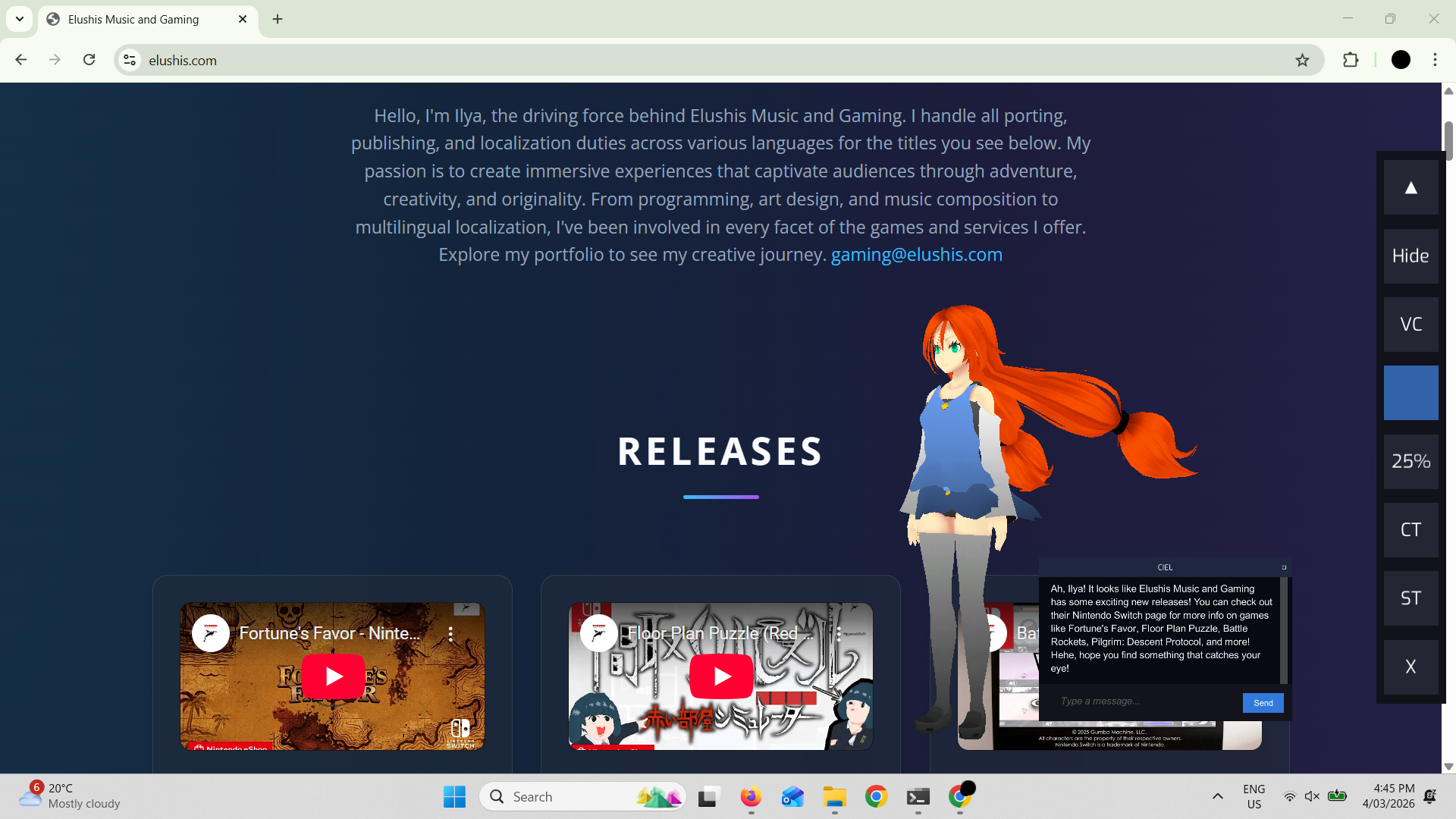
- When using LFM3-Omni in fully supported languages, CielChan can process recent screen activity and system audio together for additional context.
- Refined observation handling to reduce unnecessary processing and repetitive commentary.
- Improved Free Mode behaviour and multilingual transcription.
- Better handling of observations while an active conversation is taking place.
Additional Improvements and Fixes
- Improved GPU initialization and recovery when model loading encounters an issue.
- Additional improvements to tools, vision handling and general application stability.
If you encounter any issues, please feel free to report them in the Steam discussion boards.
Also available on Steam and Web.
Thanks, everyone!
Files
Get CielChan Plus: Offline Anime Desktop AI Companion
CielChan Plus: Offline Anime Desktop AI Companion
A quiet, intelligent presence for your desktop. Fully local AI that remembers you and experiences your digital world.
| Status | Released |
| Author | Elushis |
| Genre | Simulation |
| Tags | ai, Anime, companion, desktop-assistant, interactive, llm, relationship, utility, Virtual Pet |
| Languages | German, English, Spanish; Latin America, French, Hindi, Italian, Japanese, Dutch, Portuguese (Brazil), Russian, Turkish, Ukrainian, Chinese (Simplified) |
More posts
- v1.9.6 Hotfix: System Audio Fix19 days ago
- v1.9.6 Released: Improved Startup, TTS Volume Control, Language Support & Fixes19 days ago
- v1.9.5 Released: Movable Toolbar, Recall, Reading & Tools + More!23 days ago
- v1.9.4 Released: Clearer Chat Progress, Better Speech Timing & Goals26 days ago
- v1.9.3 Release: Companion Sharing, Window Sitting, Better Vision & Conversations29 days ago
- v1.9.2 Released: New HQ Local Performance Friendly Voice + Expanded Quick Voice36 days ago
- Character Creator Hotfix + Saved Voices Menu36 days ago
- Custom Minigame Personalization Expanded + Workshop Improvements38 days ago
- v1.9.1 Released: Life Adventure Minigame, Improvements & Hotfixes38 days ago
Leave a comment
Log in with itch.io to leave a comment.