v1.9.5 Released: Movable Toolbar, Recall, Reading & Tools + More!





Hi everyone,
v1.9.5 has been released, introducing Recall, a movable toolbar, improved document reading, and further improvements to voice input, web tools, reminders, Goals, and the settings interface.
A Movable Toolbar
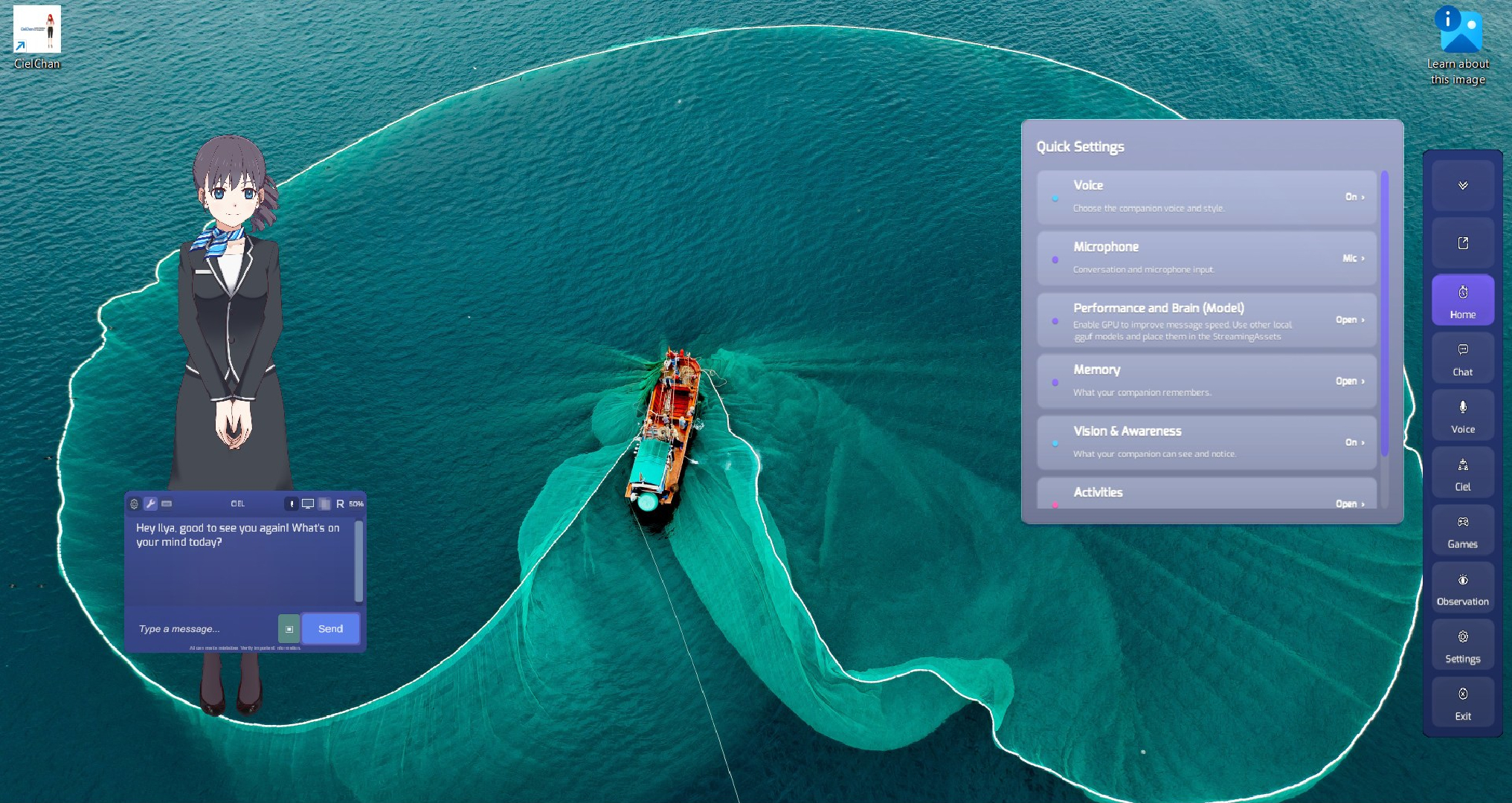
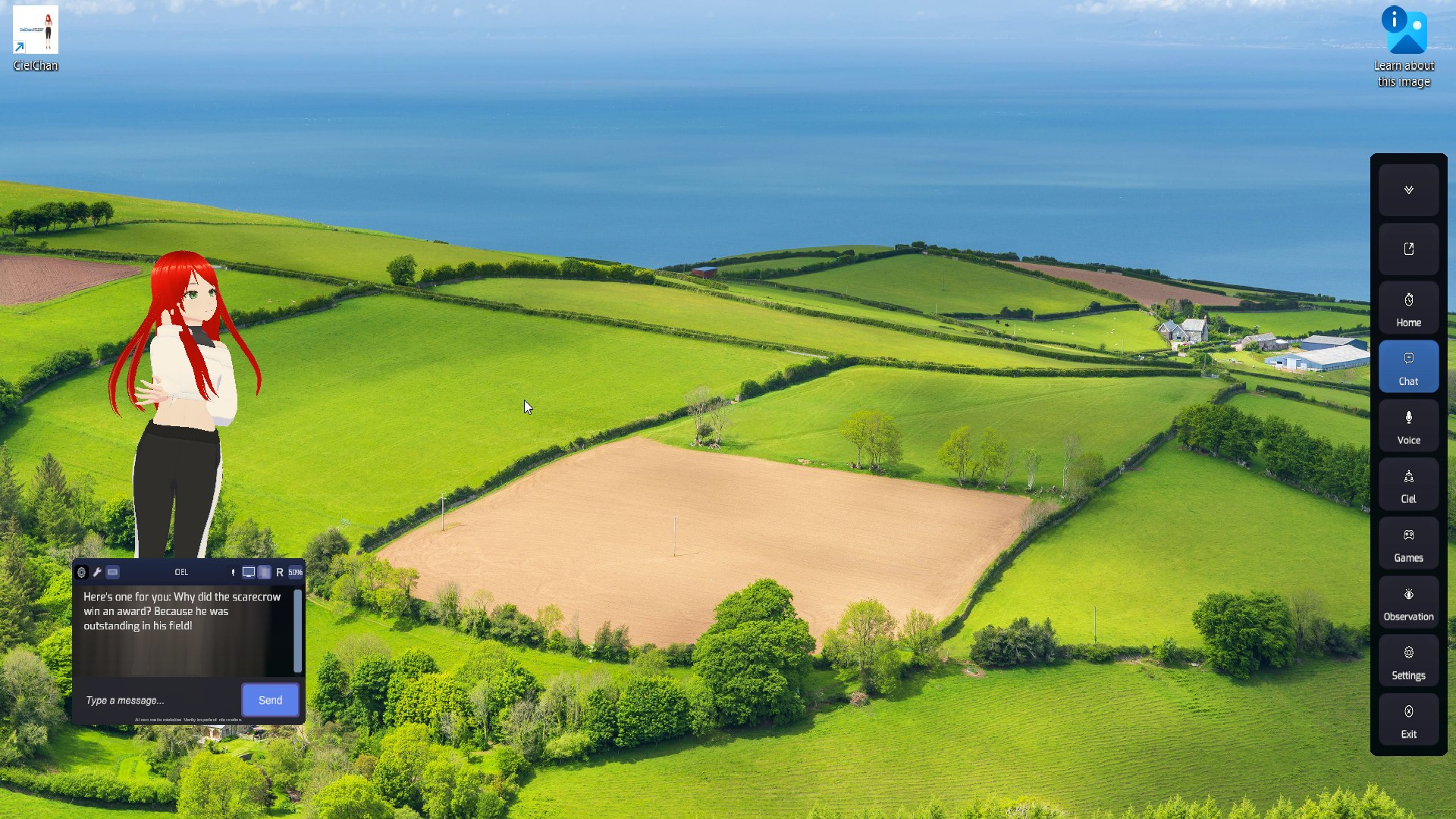
The existing toolbar can now be moved freely and switched between vertical and horizontal layouts using the new Drag and Rotate buttons.
Its position is saved across restarts, with automatic screen fitting to keep it accessible. Collapsing the toolbar leaves the movement and orientation controls available, and tooltips are hidden while dragging.
Tools Through Observations
With Observation Tools enabled, instructions entered as an Observation Topic can now run through the existing tool system.
For example:
"Search the internet for NVIDIA's stock price and output it into a .txt file."
Instructions can run on each eligible observation cycle. This remains optional and must be enabled through the Observation tool controls.
Recall: Find Previously Captured Moments
Recall lets you automatically save and find screen and audio moments, helping you return to something you saw or heard earlier. Open Recall from the new button in the chat header.
Ask CielChan to "remember this", search previously captured moments, or browse recent activity. Results can include screenshots, captured audio, timestamps, and the original webpage or file when available.
Screenshots open inside CielChan, while captured audio includes playback controls. Show in folder locates the saved capture in File Explorer, and Open source opens its original location.
Recall includes:
- Timeline and journal views, tags, and kept moments.
- Collection modes, pause controls, storage limits, and retention settings.
- Optional on-screen text reading to help search screenshots.
- Controls to exclude individual applications from on-screen text reading.
- Options to use selected captures in chat, Goals, document analysis, or Codex, with controls to review what is shared.
Recall remains separate from ordinary conversational memory. When Recall is disabled, Recall-related phrases continue through normal chat without triggering Recall actions.
Choose How Often Recall Captures Screenshots
Automatic screenshot intervals now include Adaptive, 15 seconds, 30 seconds, 1 minute, 2 minutes, 5 minutes, 30 minutes, and 1 hour.
Changes apply immediately and are saved across restarts. Unchanged screens and busy periods may still be skipped. Manual "Remember this" requests work independently of the automatic interval.
Recall also reuses eligible captures from Observation and Watch Together where possible.
Reading & Documents
With Tools enabled, a simple "Read [file]" request now opens supported documents from the Bridge Folder for full-document reading, rather than passing the document through the chat model.
This fixes cases where reading stopped after the first 100 lines or went silent partway through longer files.
Reading commands work across all 14 app languages, including:
- "Read note.txt"
- "Lee note.txt"
- "Прочитай note.txt"
- "note.txt を読んで"
Questions and extraction requests still work as before. For example, "What does note.txt say?" continues to use the normal file-reading flow.
Better Settings Layout and Scrolling
Buttons across Settings, Companion, Skills, Workshop, and Recall now have more room for their labels. Crowded button rows stack automatically, with improved spacing and larger buttons where needed.
Companion's personality Workshop controls now appear after the personal and avatar settings for a clearer layout.
Mouse-wheel scrolling has also been improved across several panels, including Character Creation, Recall, Quick Commands, and World Builder.
Onboarding text is now white for better readability against the coloured panel.
Voice Input Improvements
The Natural Talk Pause setting is now available whenever Natural Talk is enabled, without requiring System Audio to also be enabled.
Automatic sending now better respects your selected pause duration, including for short phrases and sentences with punctuation as well as a few other small improvements.
Switching High Quality STT on or off is now smoother, although the larger transcription model may still take time to load, unload, and process speech.
The Chatterbox voice description has been rewritten across all 14 languages to explain the option more clearly.
More Reliable Web Search & Website Summaries
Web requests now better distinguish between searching for information and reading a specific website.
Requests such as "Go to example.com and summarise it", including equivalent phrases in supported languages, can now go directly to website reading.
Requests for current information, such as stock prices, are also better at using retrieved results rather than the model's existing knowledge. Accuracy still depends on the available sources.
Website summaries now retain more fetched content, allow longer responses, and avoid unnecessarily repeating a completed summary.
Browser & Tool Fixes
Fixed a possible browser restart loop which could be caused by a leftover background browser process locking. CielChan now cleans up its own managed browser processes more efficiently without affecting your normal Chrome windows.
Browser Control must be explicitly enabled through Features. Enabling Tools alone does not enable browser interaction, and disabling Tools closes CielChan's managed browser processes.
Normal web searches and website reading remain available with Tools enabled, even when Browser Control is disabled. Opening a visible browser and interacting with pages still requires Browser Control.
The Observation Tools hint now appears only when Tools is enabled.
Asking CielChan to open a folder that's already open no longer creates a duplicate File Explorer window.
Better Tool Recognition & Reminders
Tool and Recall recognition has been expanded across all 14 app languages, with improved support for natural phrasing and multilingual requests.
Repeating or rephrasing the same reminder no longer creates duplicates. Additional improvements have also been made to the general Tools and Goals flow.
Tools and Goals remain beta features. Clear instructions and specific destinations still work best with the included local default model.
Watch Together Improvements
On-screen text is now better treated as supporting context, helping CielChan avoid simply reading interface labels back to you. Additional refinements have also been made to further improve how CielChan interprets and responds to various content.
Avatar Fixes
For Live2D and sprite avatars specifically, fixed an issue with the Head Only, No Body Click Through option. The click-through area now correctly covers only the general head area, leaving the rest of the avatar available for normal clicking and dragging.
Finding Goals & Codex
To open Goals, press and hold the Tools icon in the chat header. A short click still operates the Tools button normally. Goals can be used to "Search the Internet and research X topic and output into a file" and similar style commands. Performance and accuracy will vary between different LLM models.
For a separate Codex task flow, open Settings → Connections, connect Codex, and expand Tasks.
Personalise also supports requesting and reviewing changes to CielChan's personality, UI appearance, skills, and games.
The Steam discussion FAQ has been updated to better explain current features, settings, and limitations:
https://steamcommunity.com/app/4529510/discussions/0/805722145474894066/
Issues can be reported in the discussion boards.
Also available on Steam and Web.
Thanks, everyone!
Files
Get CielChan Plus: Offline Anime Desktop AI Companion
CielChan Plus: Offline Anime Desktop AI Companion
A quiet, intelligent presence for your desktop. Fully local AI that remembers you and experiences your digital world.
| Status | Released |
| Author | Elushis |
| Genre | Simulation |
| Tags | ai, Anime, companion, desktop-assistant, interactive, llm, relationship, utility, Virtual Pet |
| Languages | German, English, Spanish; Latin America, French, Hindi, Italian, Japanese, Dutch, Portuguese (Brazil), Russian, Turkish, Ukrainian, Chinese (Simplified) |
More posts
- v1.9.7 Released: Video, Hugging Face Model Browser & Watch Together Improvements6 days ago
- v1.9.6 Hotfix: System Audio Fix19 days ago
- v1.9.6 Released: Improved Startup, TTS Volume Control, Language Support & Fixes20 days ago
- v1.9.4 Released: Clearer Chat Progress, Better Speech Timing & Goals26 days ago
- v1.9.3 Release: Companion Sharing, Window Sitting, Better Vision & Conversations29 days ago
- v1.9.2 Released: New HQ Local Performance Friendly Voice + Expanded Quick Voice36 days ago
- Character Creator Hotfix + Saved Voices Menu36 days ago
- Custom Minigame Personalization Expanded + Workshop Improvements38 days ago
- v1.9.1 Released: Life Adventure Minigame, Improvements & Hotfixes39 days ago
Leave a comment
Log in with itch.io to leave a comment.