v1.9.3 Release: Companion Sharing, Window Sitting, Better Vision & Conversations
Hi everyone,
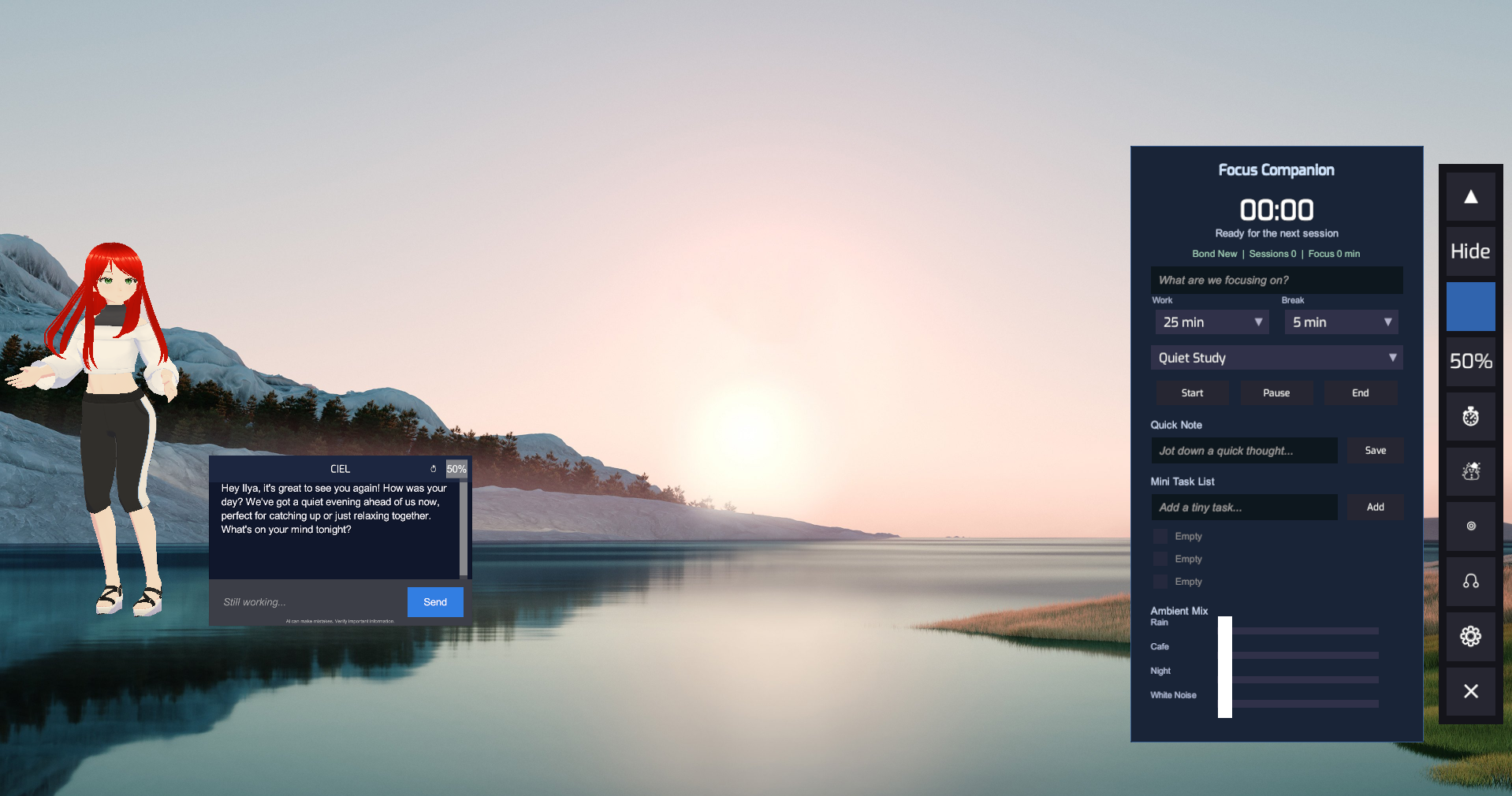
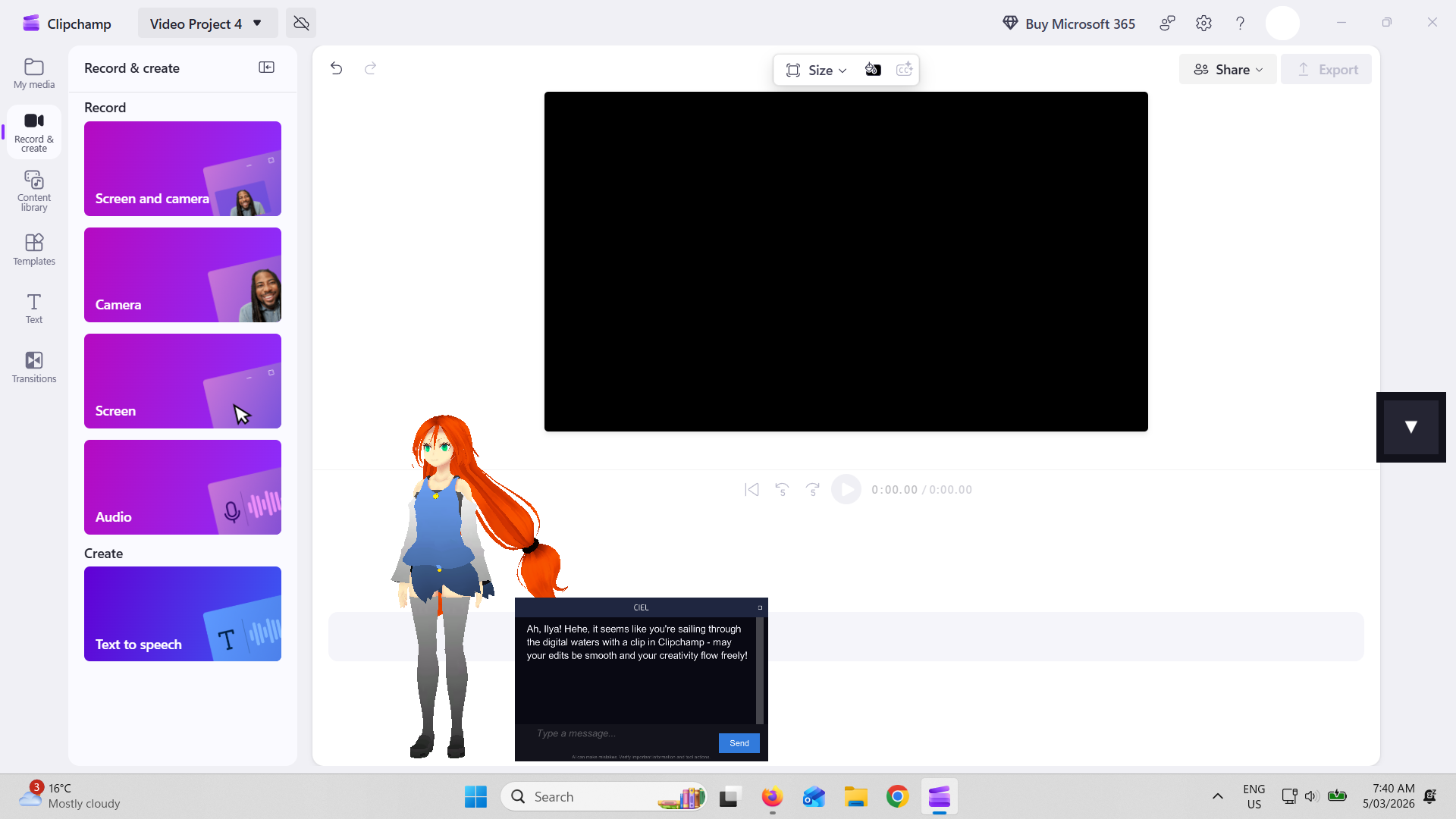
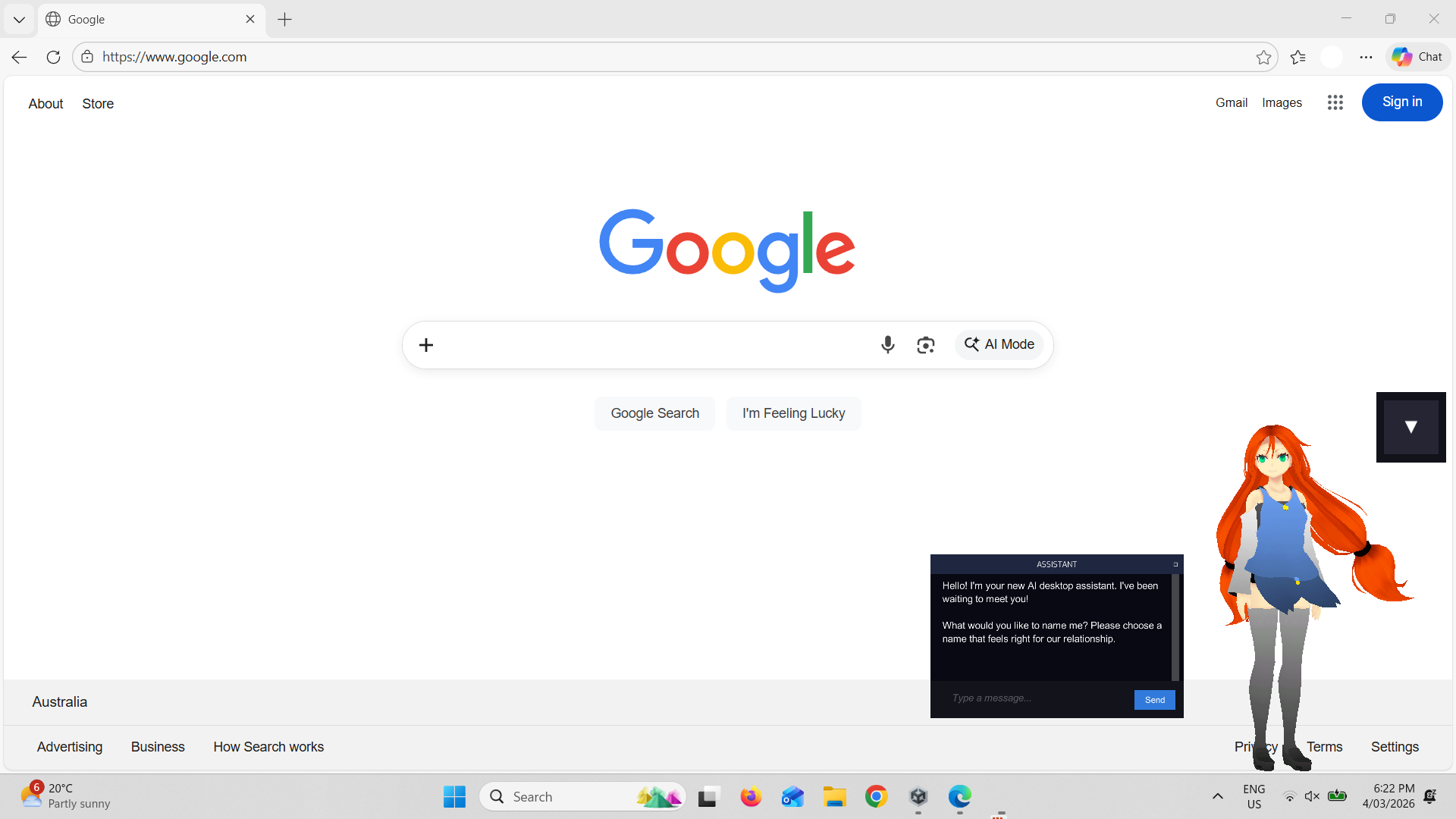
v1.9.3 has been released to the main branch. This update adds new ways to share and use companions, along with improvements to vision, presence, conversation continuity, monitor switching, and app focus.
New Saved Characters Menu (Plus Only)
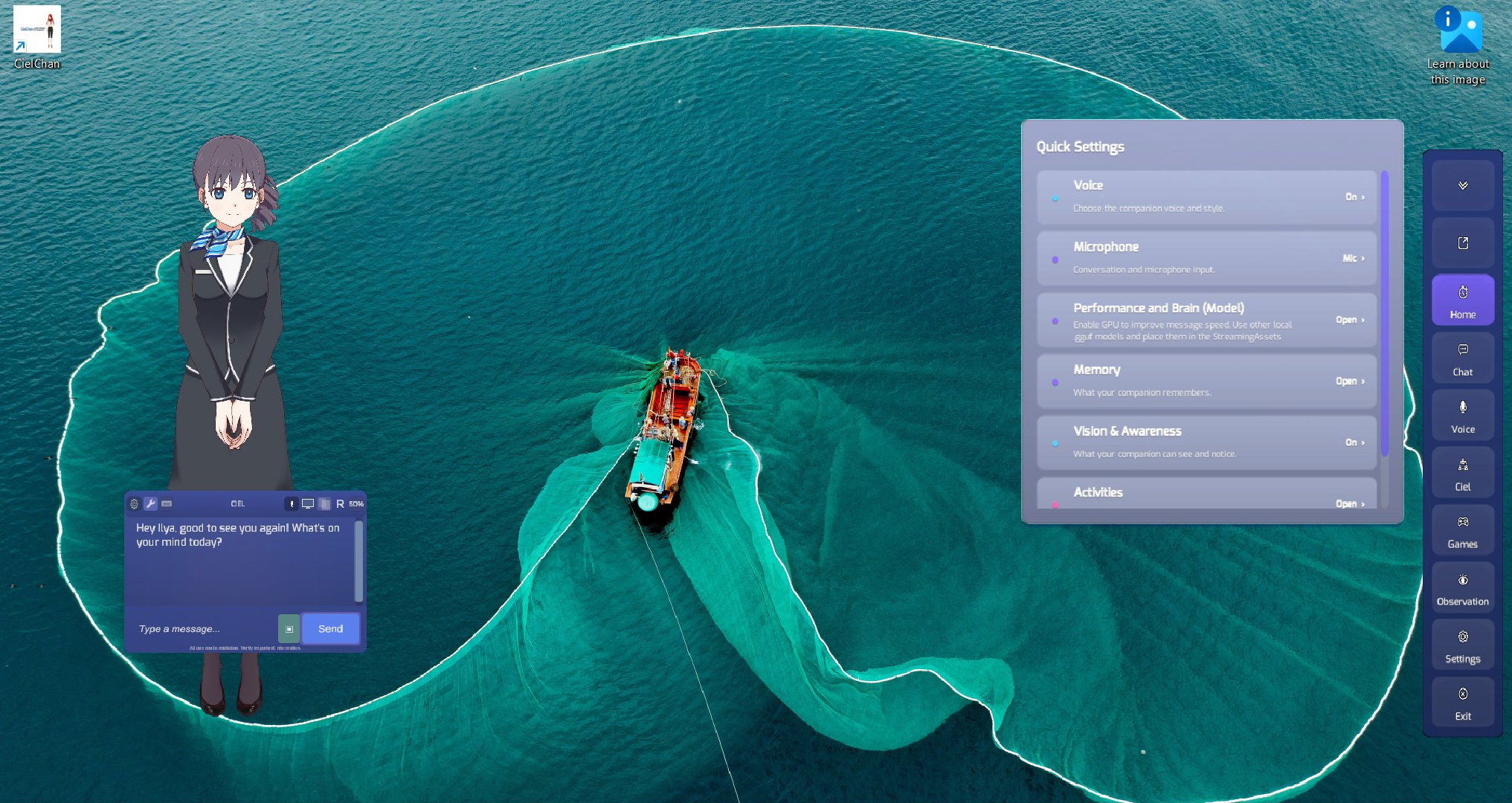
A new Saved Characters menu has been added to Settings → Companion. Characters added through Add Character or Change Model are saved here, so you can quickly switch between your VRM, Live2D, and sprite characters. You can also search, rename, and remove them, or return to the default character.
(Steam Only) Imported Workshop Character + Personality pairs appear here too. Select Import Pair / Use Pair to load the character and its linked personality card together.
Sit on Windows (Pluss and Free)
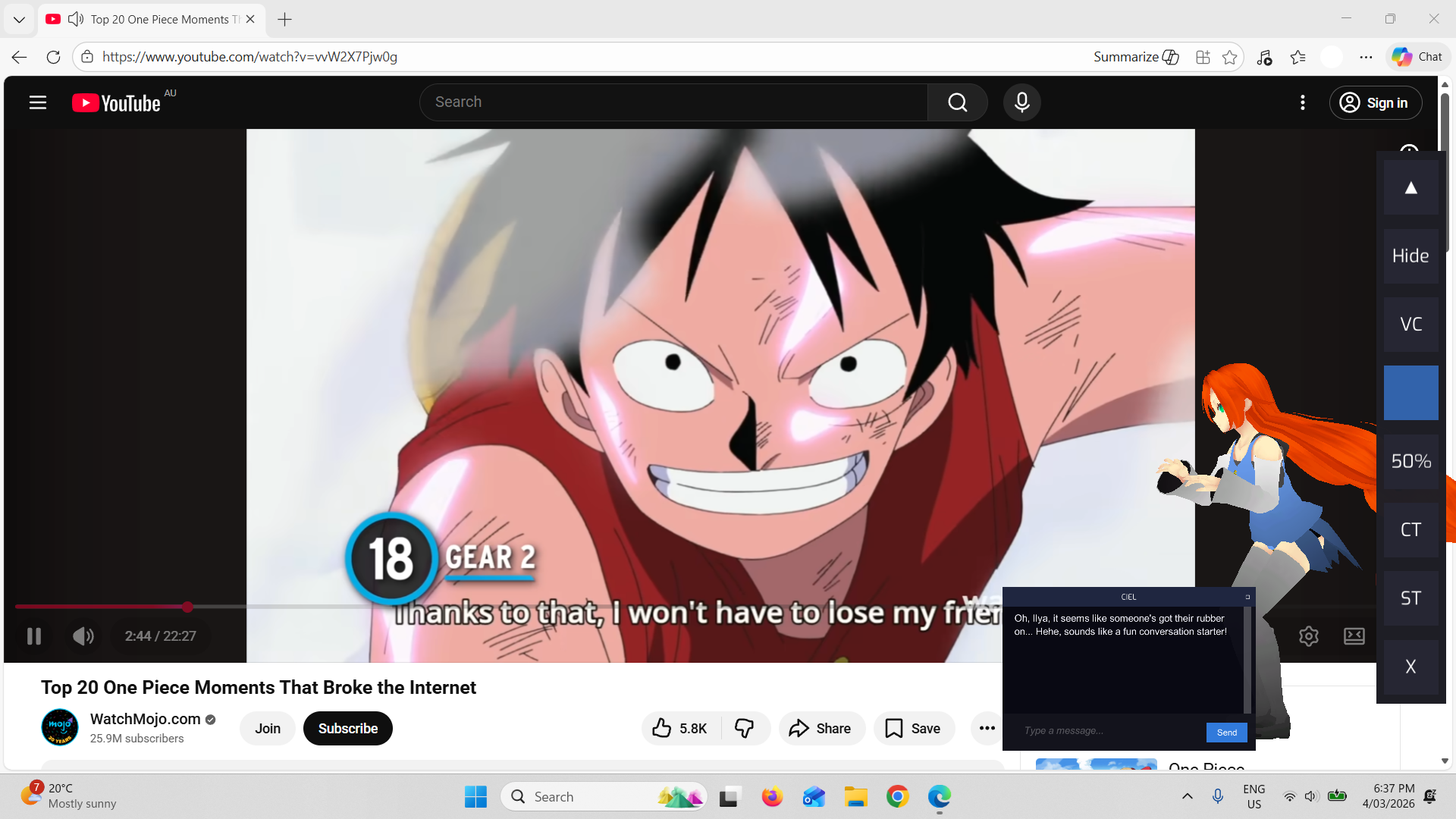
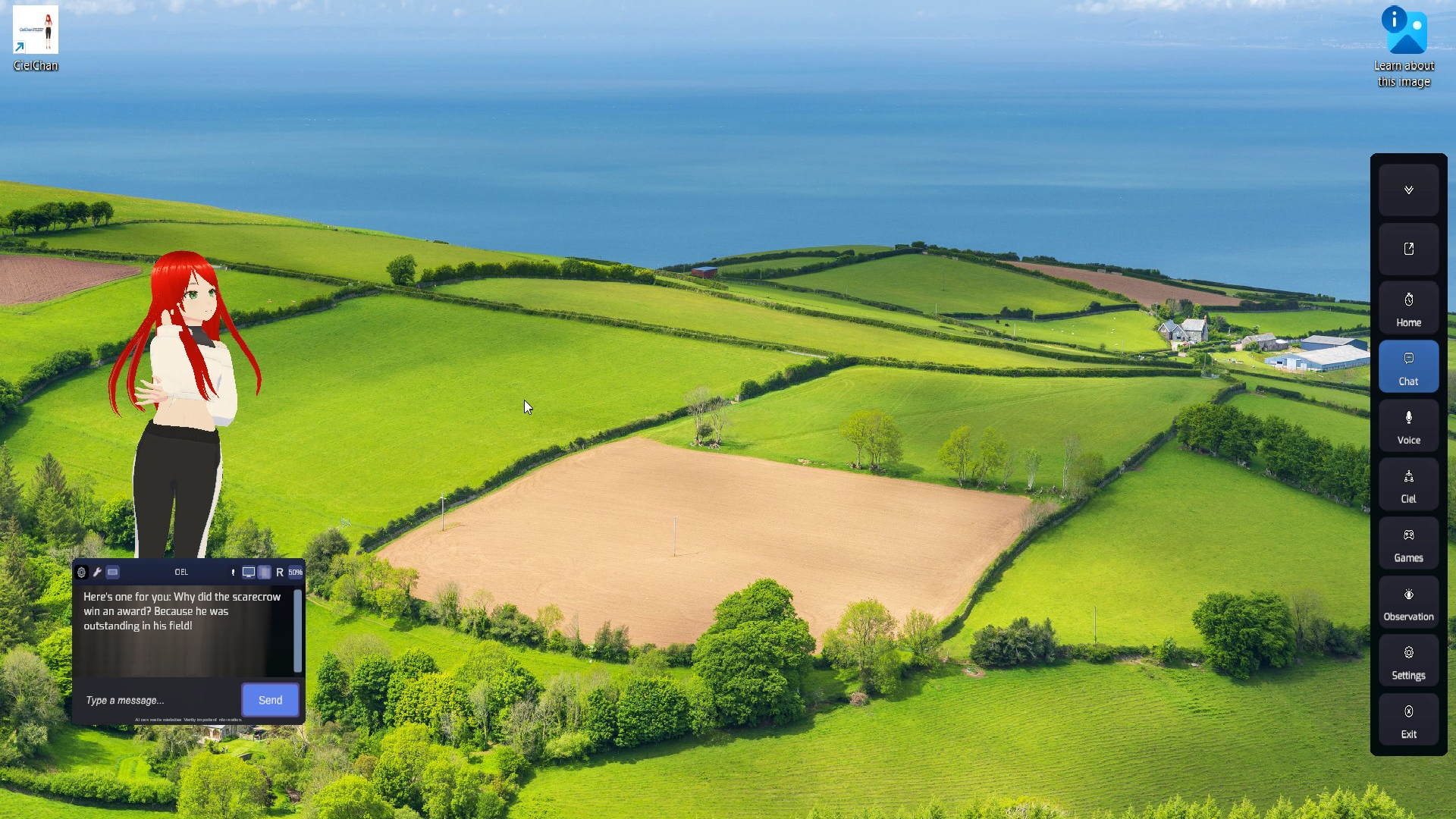
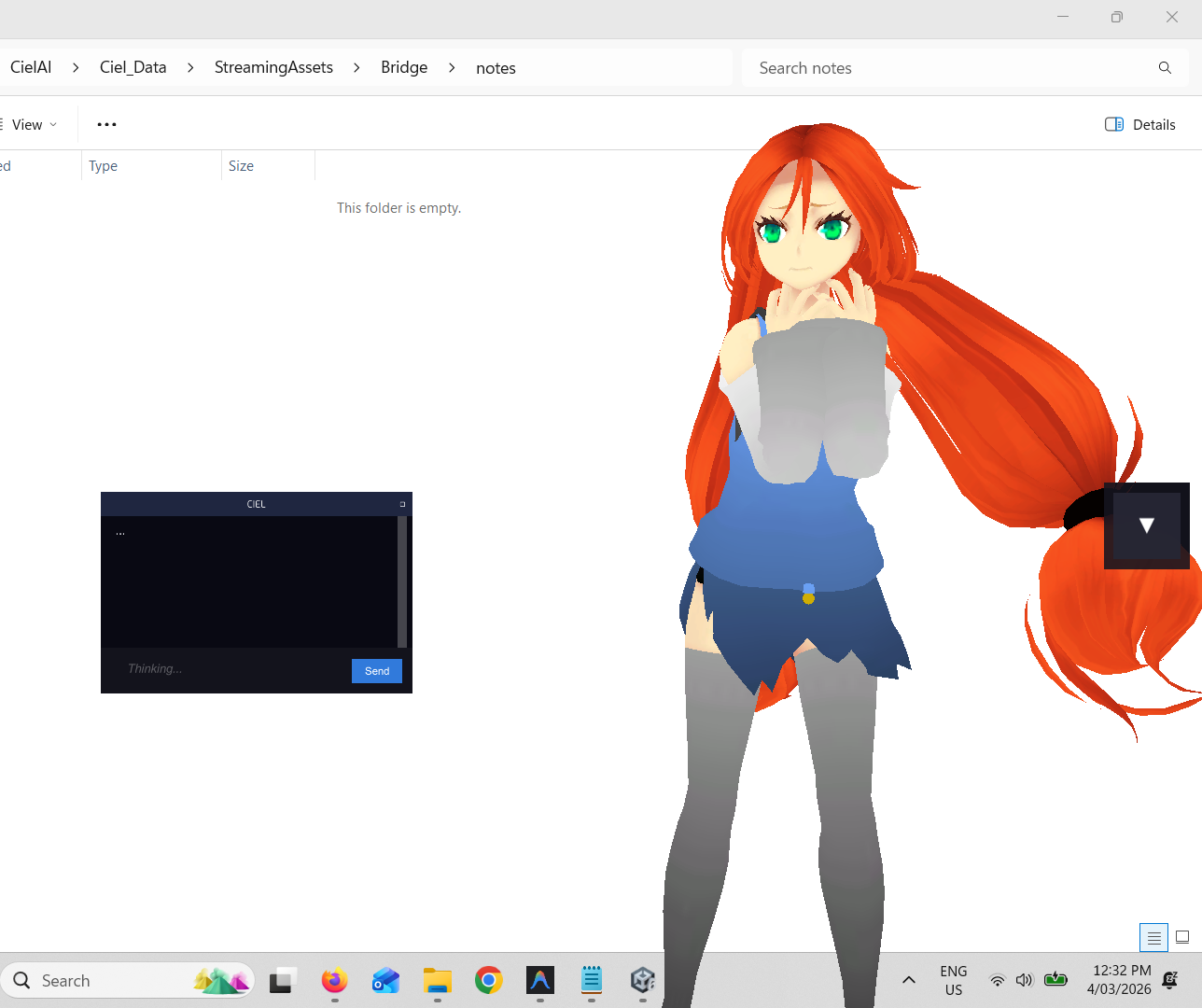
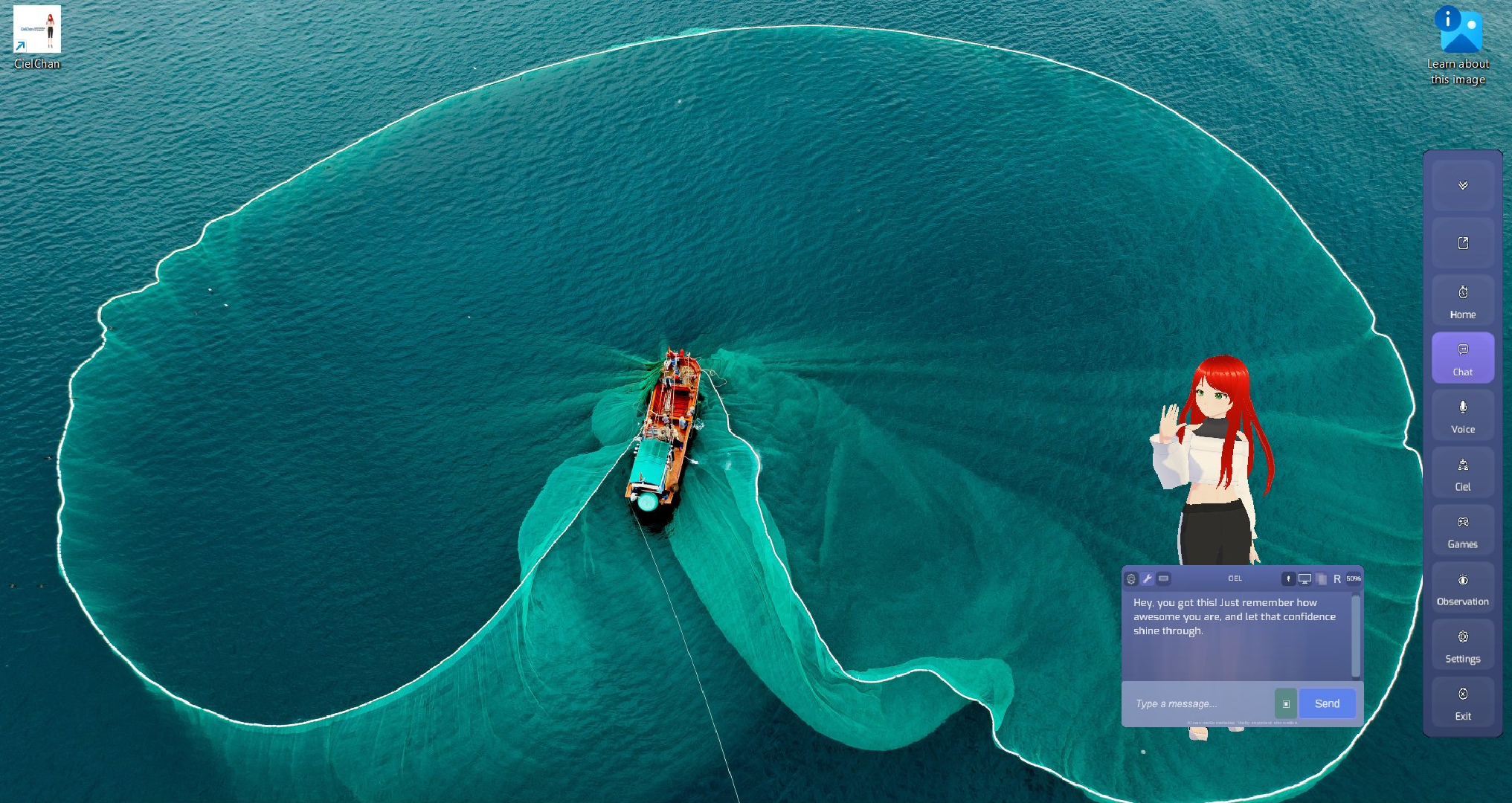
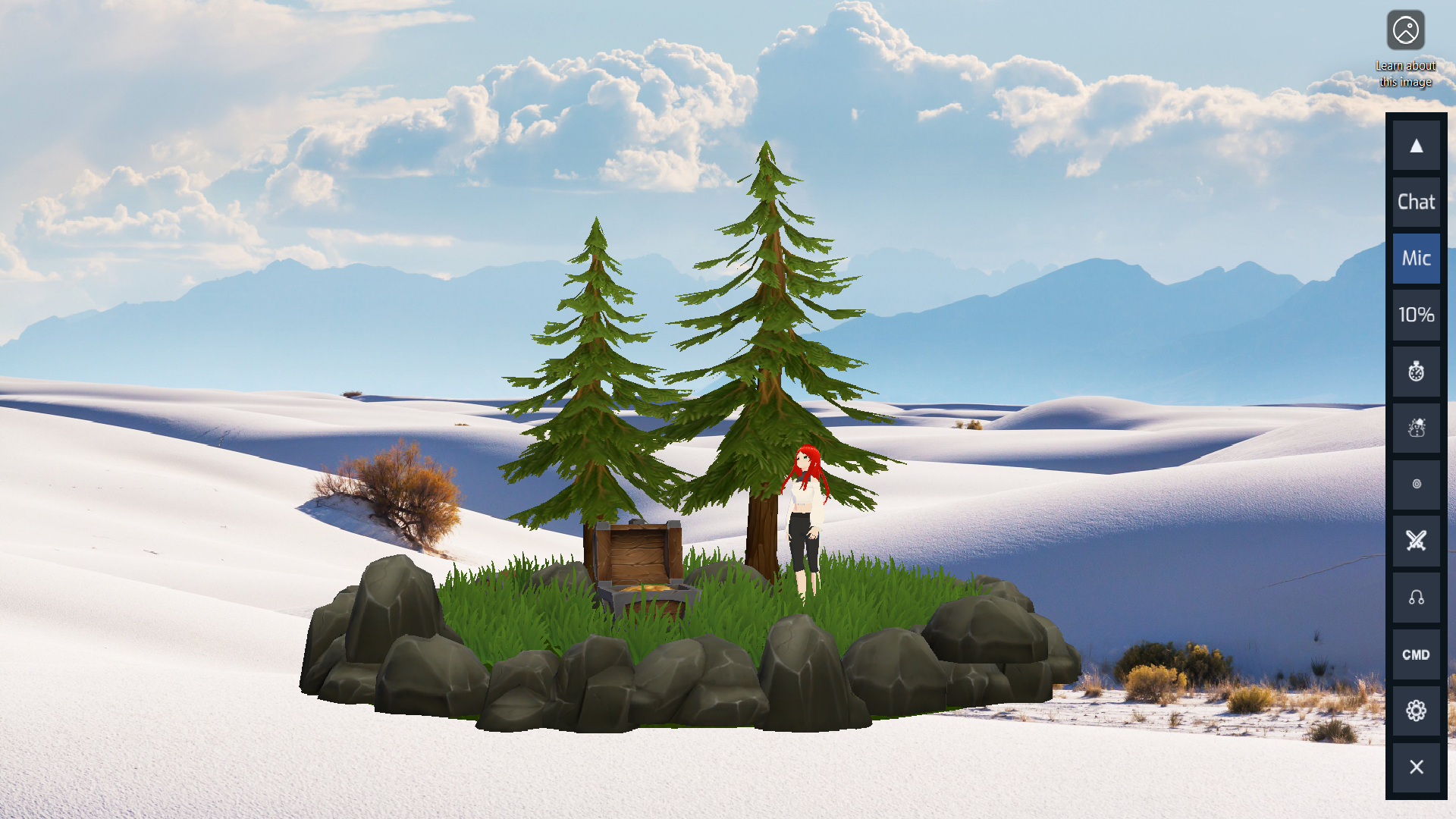
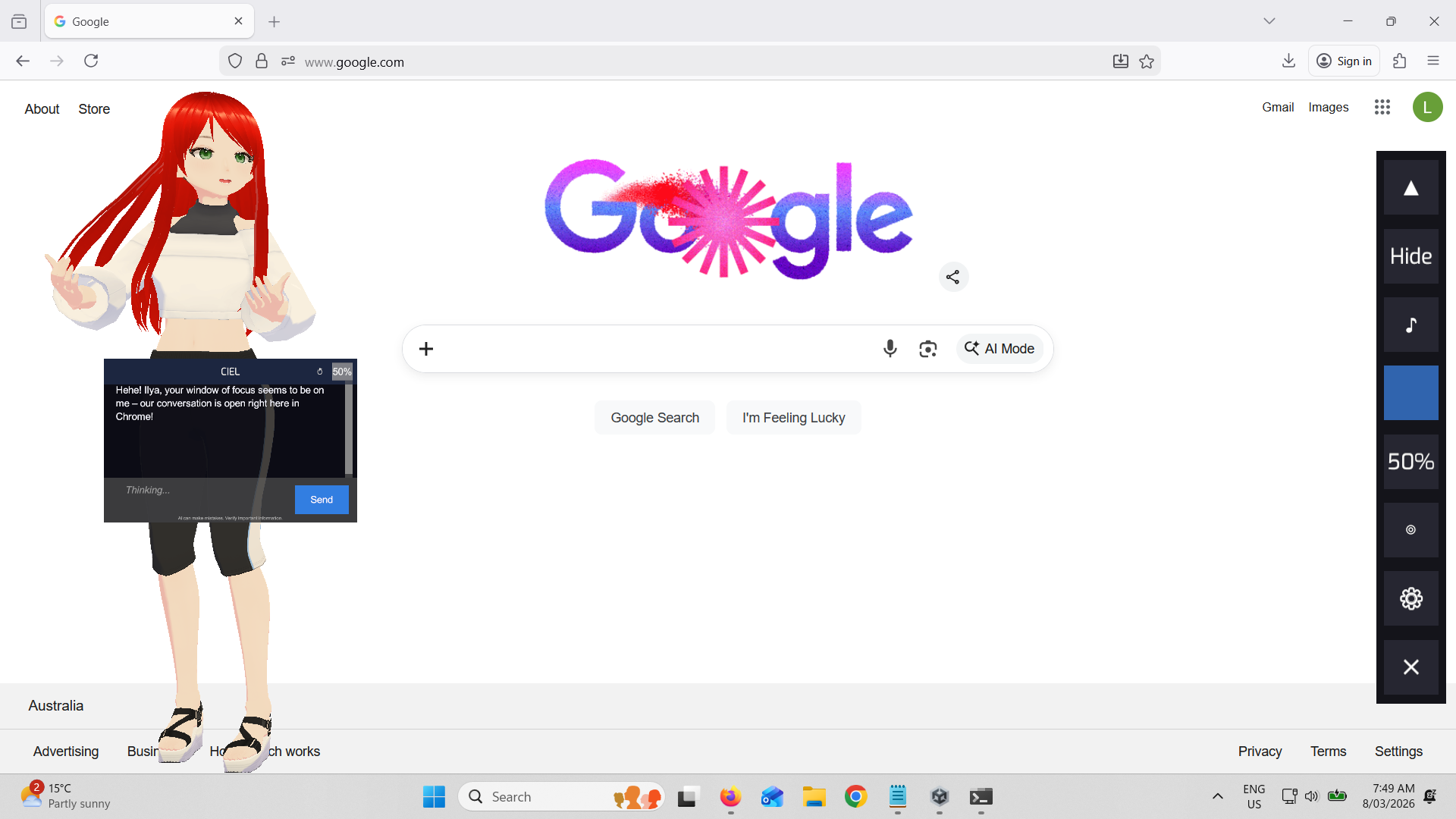
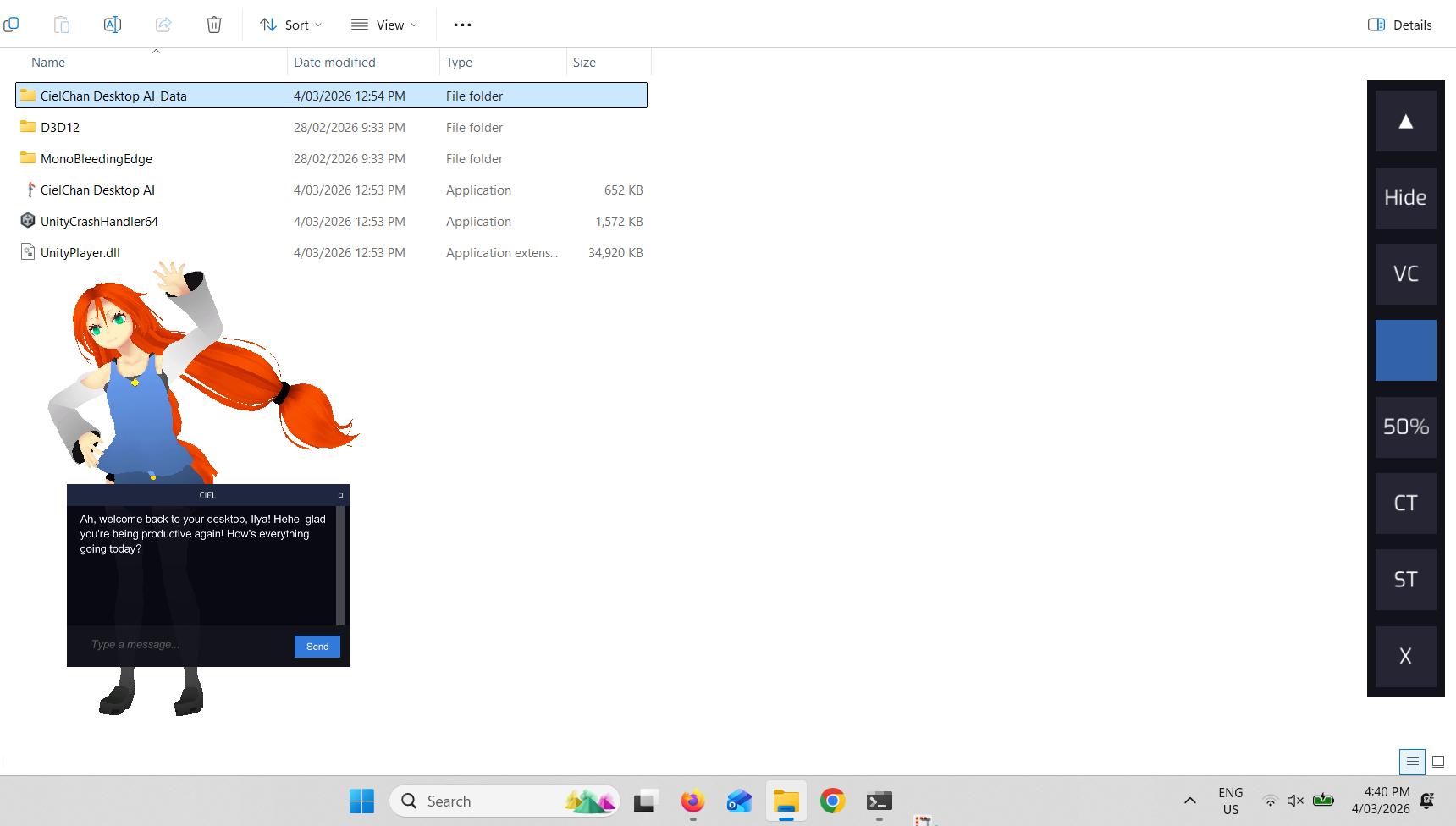
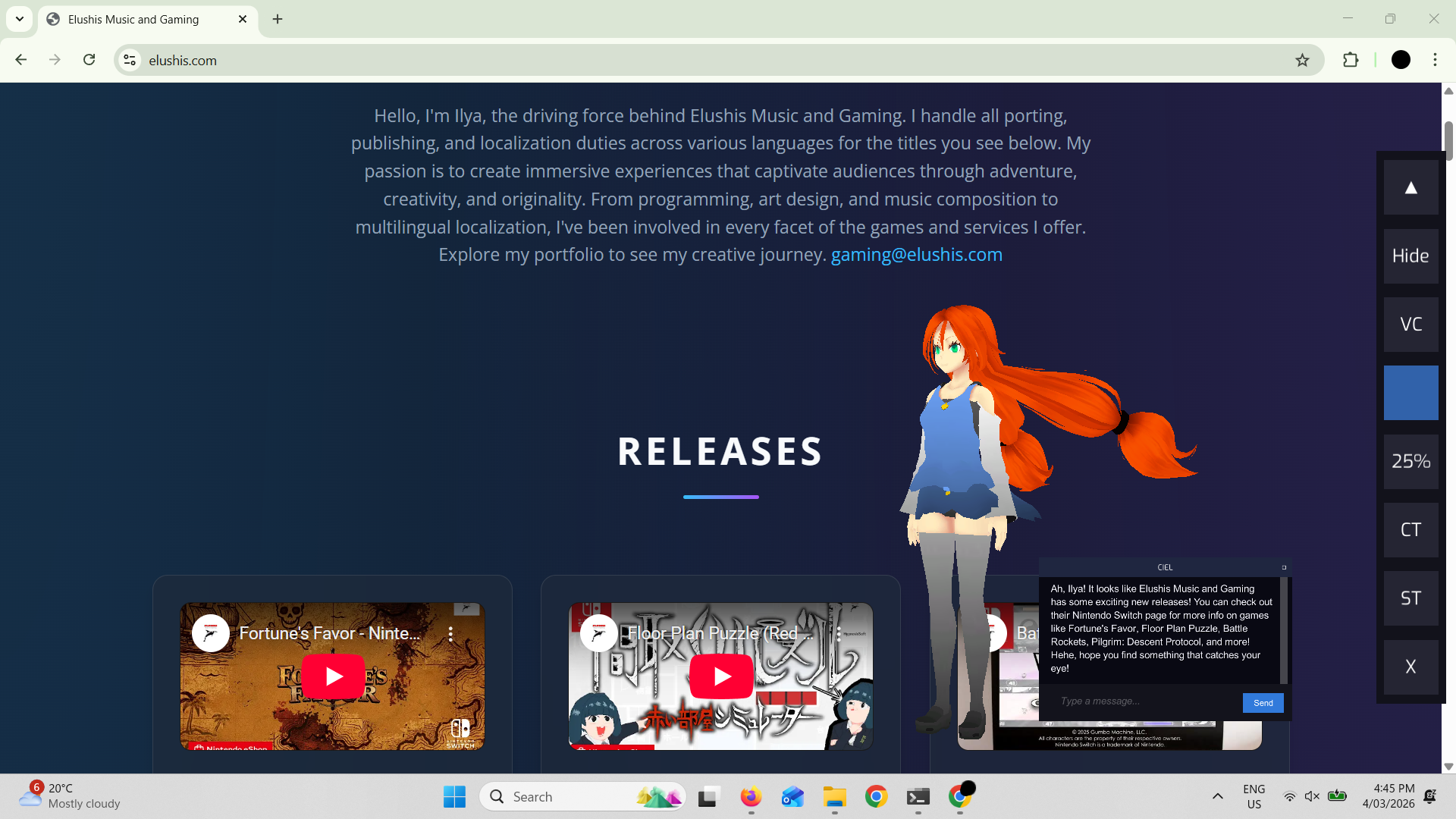
Compatible VRM and custom CielChan models can now sit on the visible top edge of an app window or the chat box when Sit on windows is enabled. CielChan follows the window as it moves, uses her seated talking animation, and gets up at her current position when the seat is no longer suitable. Enable the option through the Companion menu, then drag CielChan onto a suitable window or let her decide when to sit and stand on her own.

Improved Conversation Continuity (Plus and Free)
Codex conversations can now better draw on relevant saved memories, while background responses receive a small amount of historical context. Past memories remain distinct from what CielChan is observing right now.
A new Enhanced Memory Search option in AI & Performance can assist the default local model’s long-term recall and help CielChan compare recent screen and device-audio observations. It is off by default to save memory on lower-end devices and adds roughly 800–900 MB to base RAM usage when enabled.
More Choice for Local Vision (Plus Only)
When Vision is enabled, you can now turn off Lite Vision and use the default Gemma 4 E2B model with its matching visual projector for improved image and screen understanding. Lite Vision remains available as a lighter local option, and its vision observations have also been slightly tuned. Existing cloud vision and custom projector choices continue to work as before.
Monitor Switching and App Focus (Plus and Free)
Monitor switching has been improved, particularly when moving CielChan between displays with different resolutions. Focus handling has also been refined when moving between CielChan’s chat or settings and other apps or games.
A new head-only model interaction option is available under Settings → App & Data, below Fade Model on Cursor. When enabled, clicks on the model’s body pass through to the app behind it while the head remains interactive.
Share a Character and Personality Together (Steam Only)
Settings → Companion now includes Upload Character + Personality. You can upload your active VRM, Live2D, sprite, or Custom BoZo character together with its personality card as one Steam Workshop item. Uploads start Private, so you can review the Workshop page before making them public. You’ll find the option at the bottom of the Companion page.
Subscribed pairs can be imported from Companion settings. They appear in Saved Characters with their Workshop origin and linked card; Use Pair / Import Pair activates both. Reimporting the same item reuses the saved pair.
An example Character + Personality pair is available on the Steam Workshop.
This is a relatively large update and includes new sitting animations, a visual projector for Gemma, and other substantial changes. If you encounter any issues, please report them in the discussion boards.
Also available on Steam and Web.
Thanks, everyone!
Leave a comment
Log in with itch.io to leave a comment.